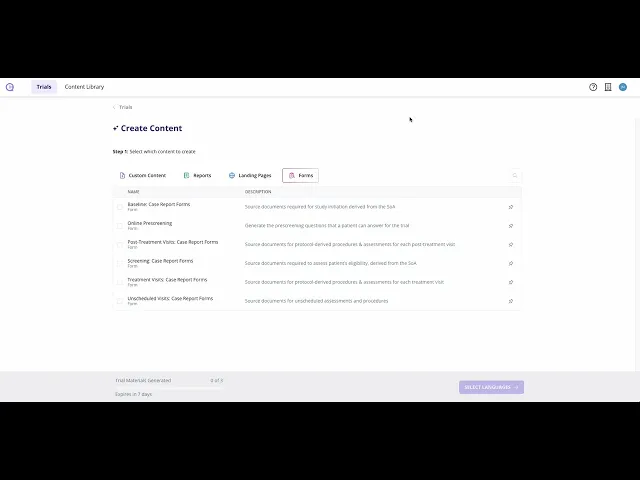
How to Generate Paper-Based Source Forms for a Visit
Summary
This tutorial demonstrates how to generate paper-based clinical trial visit forms from the protocol. It explains navigating to Forms, selecting a visit type such as baseline or screening and using Quick Create so Clinials AI agents analyse the schedule of activities to identify required assessments and worksheets.
After generation, viewers should go to the Content Hub to preview the generated forms for the selected time point and then export or download them as DocX or PDF for site visits. The example notes that a randomization visit was generated instead of baseline because the protocol did not define a baseline visit.
Export to EDC
Once the forms have been generated use the Export clinical trial data in CDISC XML format for rapid import into Electronic Data Capture (EDC) systems. Clinials automatically exports protocol metadata, study design, visit schedules, and AI-generated trial content to help reduce manual configuration, improve data quality, and accelerate study start-up.