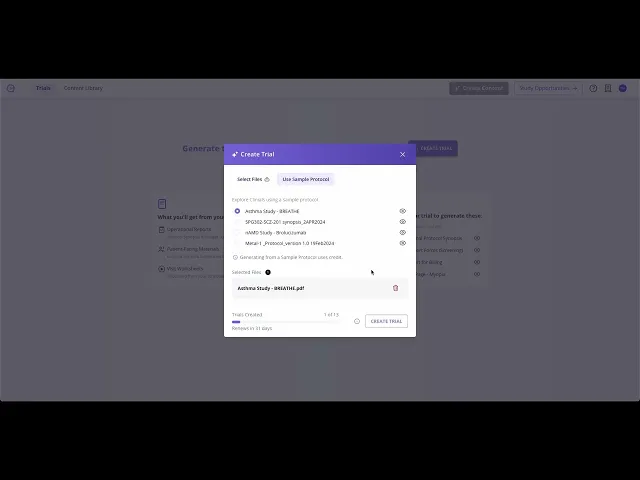
1. Create your first Trial
Summary
In this video, I guide you through the initial steps of using Clinials. When you log in, you'll find an empty trials page where you can create a trial by uploading your protocol and clicking 'Create Trial.' Rest assured, all uploads are encrypted and securely stored, ensuring that only you can access them.
Please note that depending on your protocol's complexity, setup may take a few extra minutes. Stay tuned for the next video, where we'll explore how to start generating content.