How to Compare Protocol Amendments in Clinials | Protocol Comparison
1. Open the Compare Protocols tool 0:01
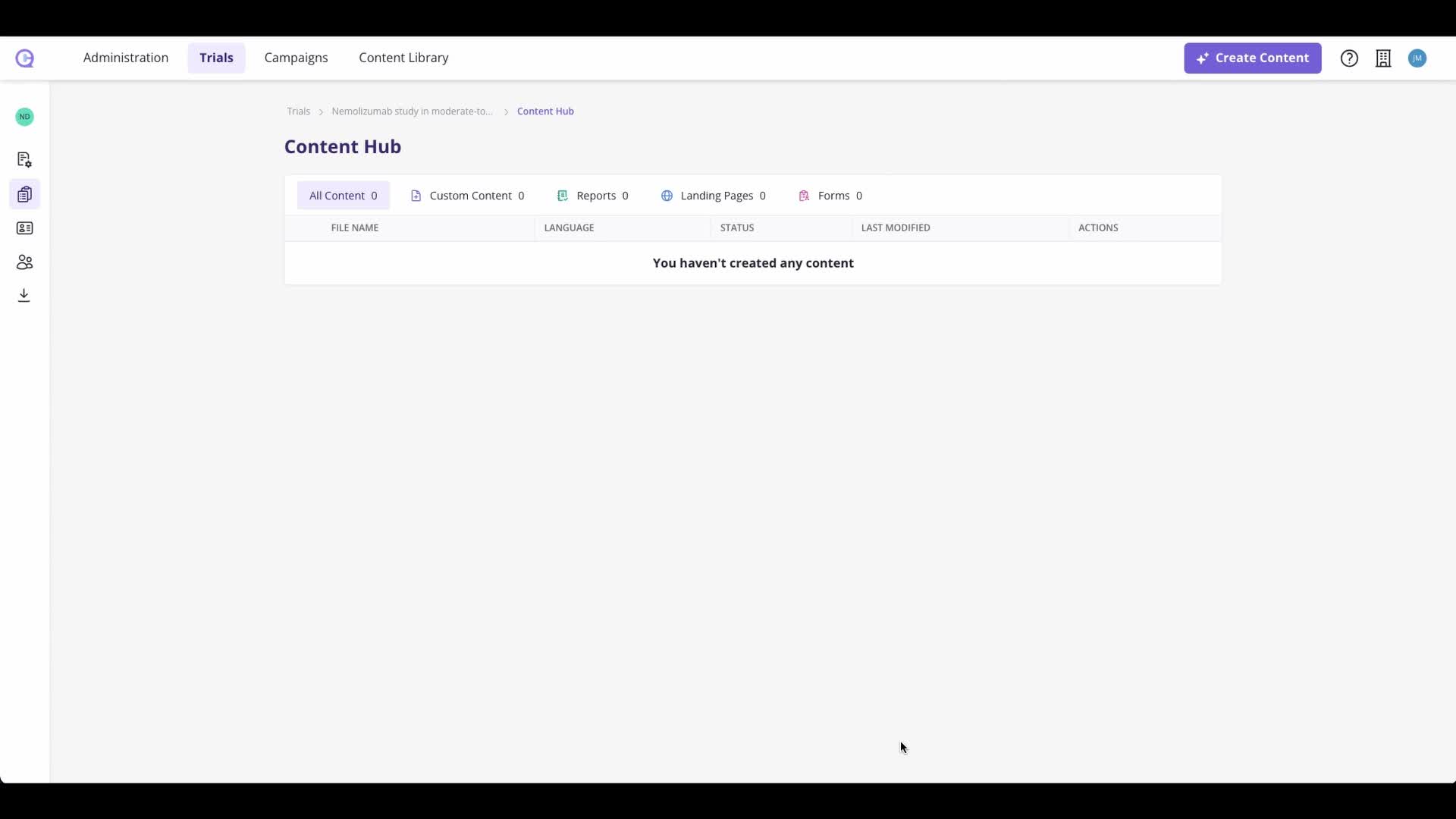
From the Content Hub, go to the side navigation.
Select Trial Settings.
Click Compare Protocols to open the comparison view.
This is where you can review different versions of your protocol side by side.
2. Upload a new protocol version if needed 0:11
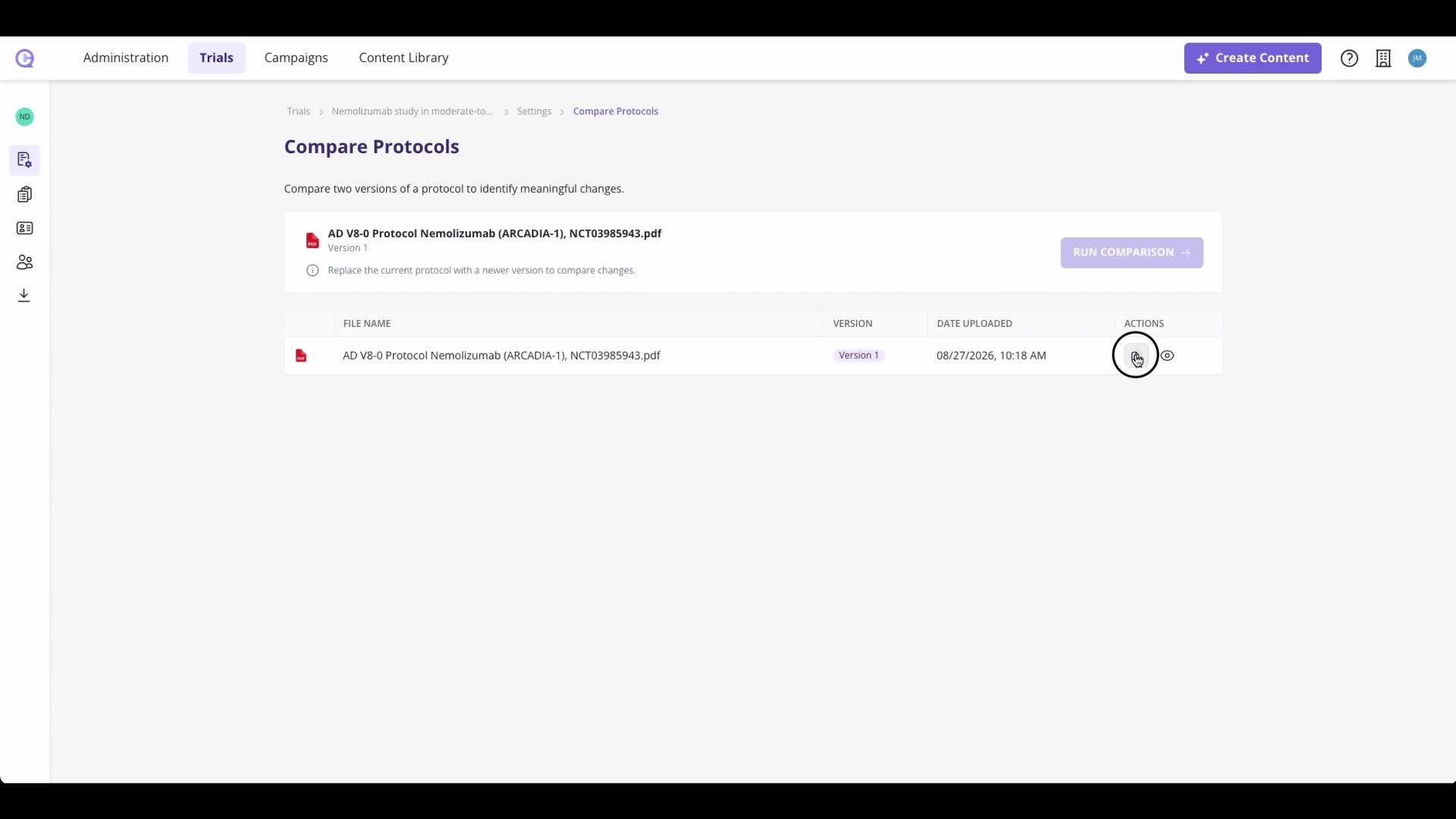
Click the Replace File icon to upload a newer version of the protocol.
Replacing the file does not change your current trial information.
It also does not affect existing content already in the system.
3. Let the system compare the two versions 0:31
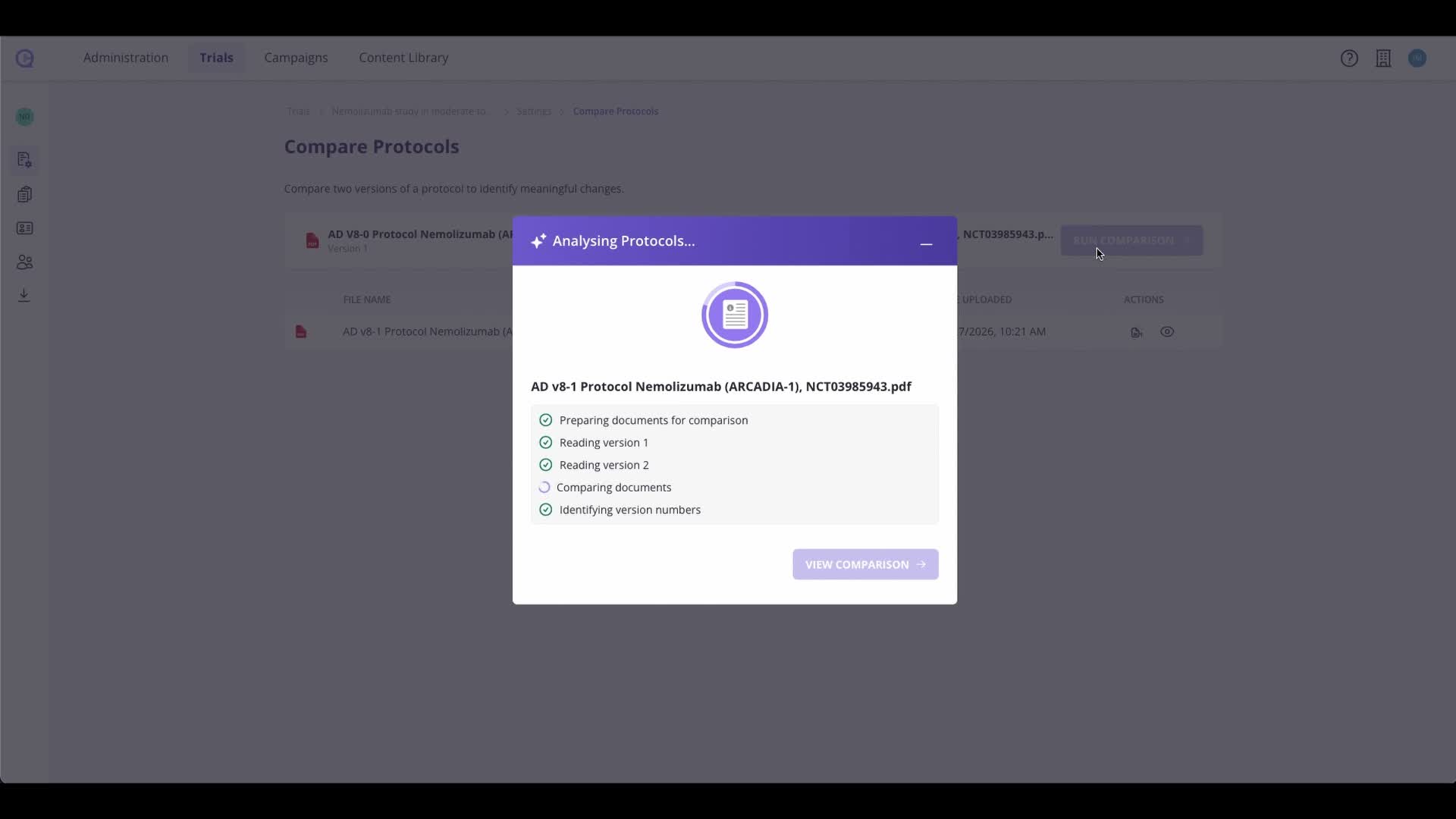
The platform scans the protocol sections in both versions.
It identifies and highlights the differences between the old and new files.
Once processing is complete, the results appear in the dashboard for review.
4. Review and sort the detected changes 0:41
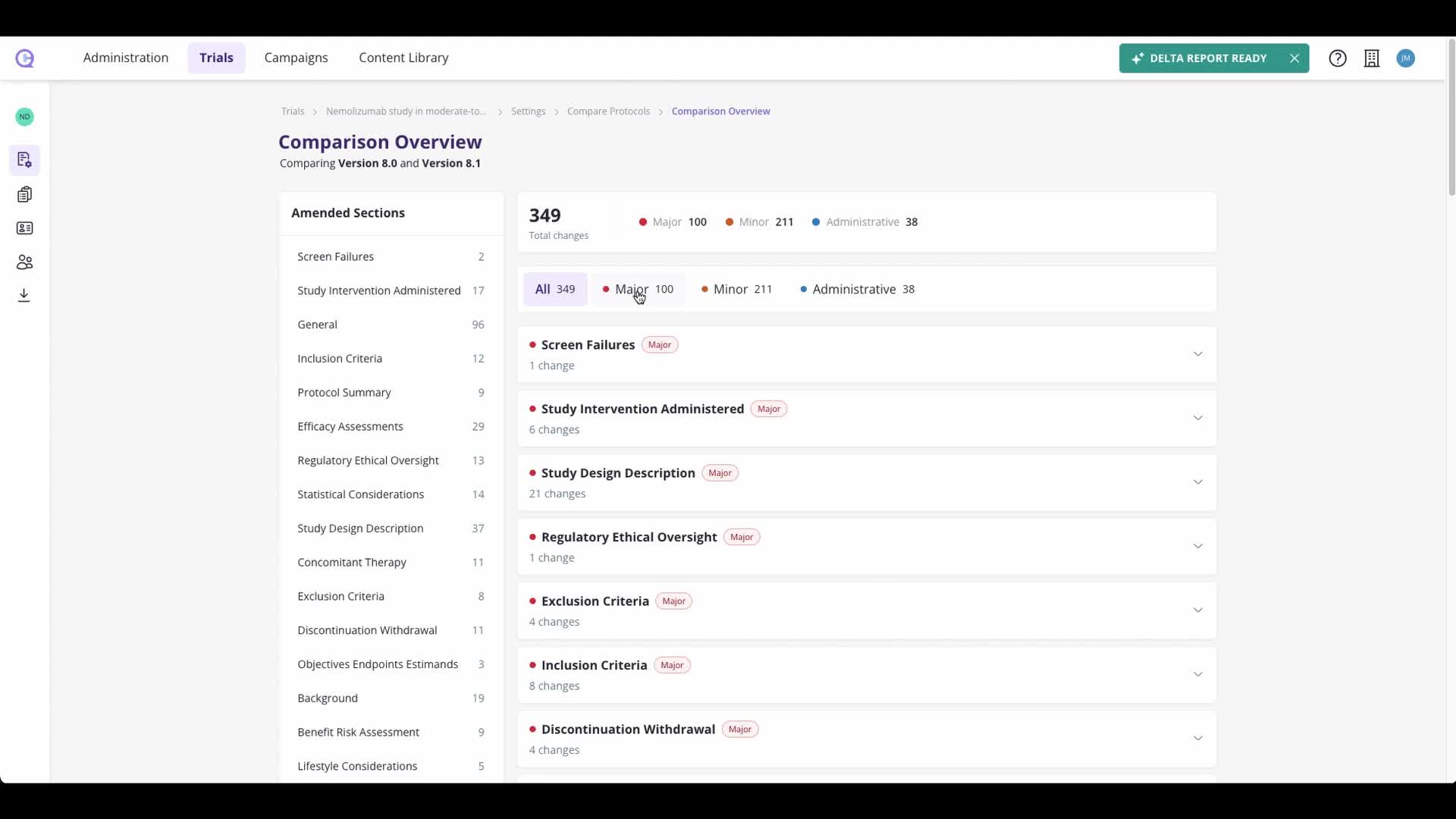
View changes in the dashboard.
Sort changes by severity:
Major
Minor
Admin
You can also sort by protocol section.
This helps you quickly focus on the most important updates and understand what changed.
5. Verify changes using citations 0:54
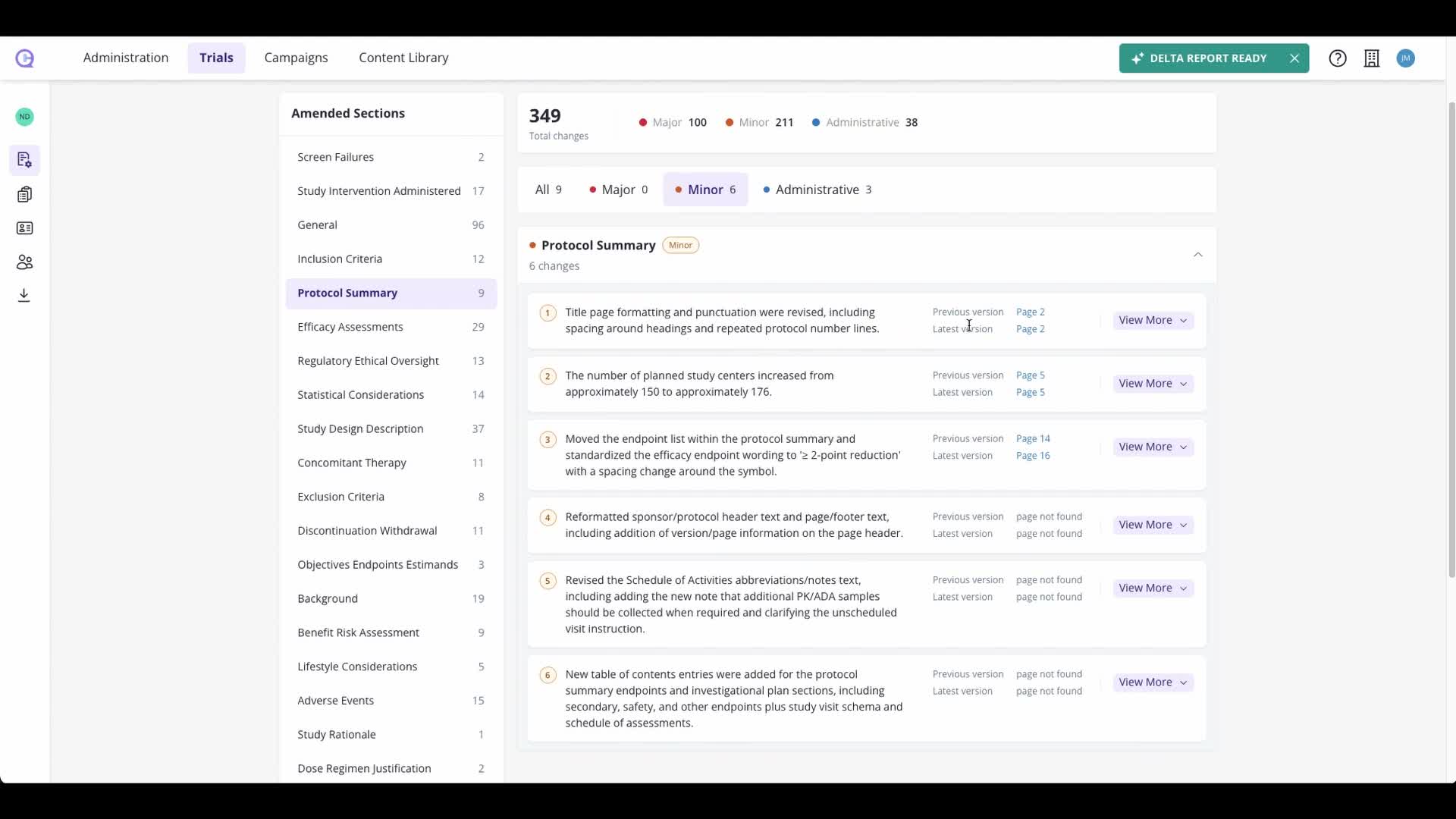
Each change includes a citation.
Use the citation to jump directly to the relevant section in the source document.
This makes it easy to verify the change against the original protocol text.