Generate a Laboratory Billing Report

How-to Guide

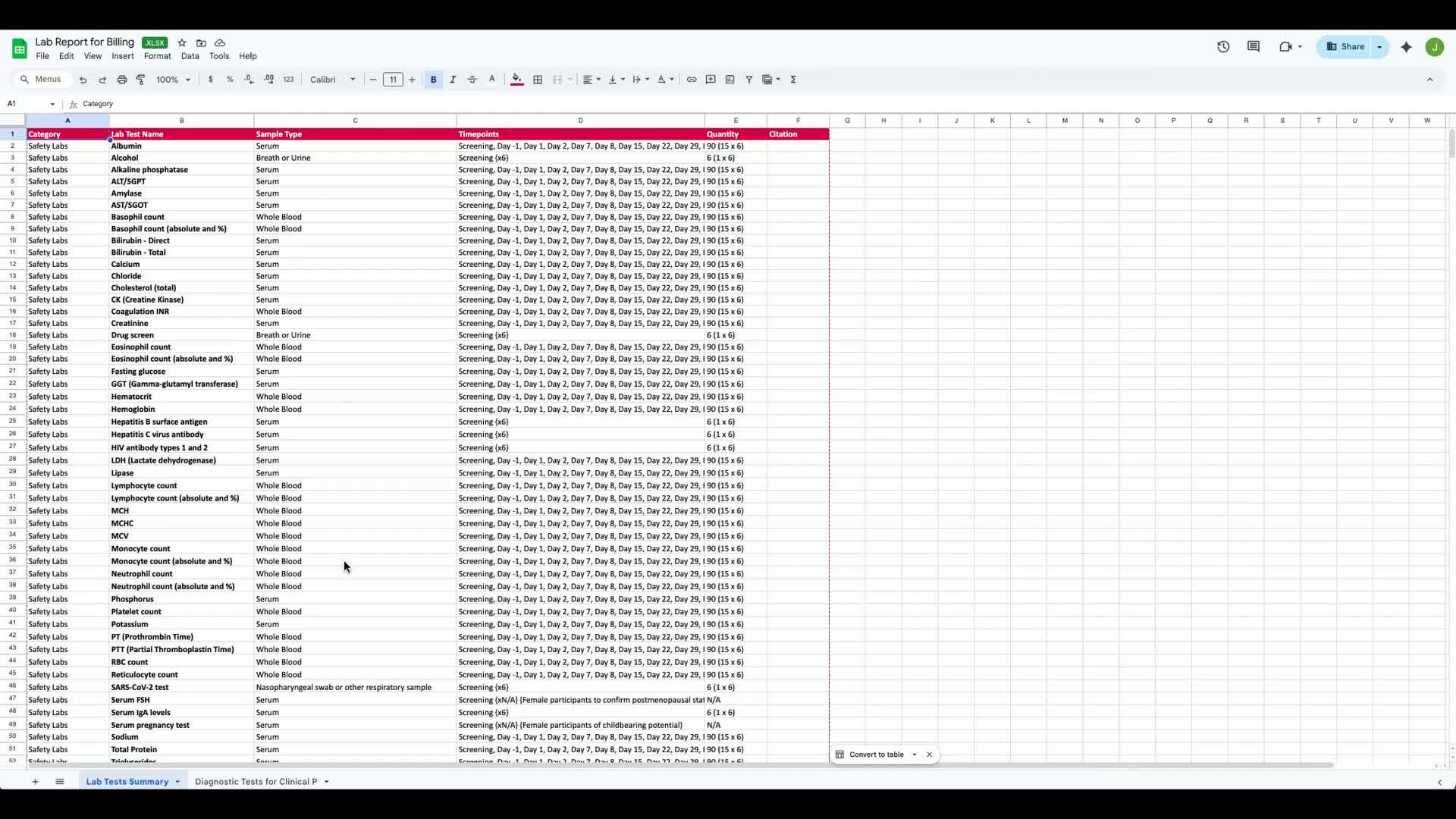
This Report report not only lists lab tests but also translates complex protocol details into clear billing items, ensuring nothing is missed.

1. Introduction to Lab Report Generation 0:00


generated-image-at-00:00:00
  • Purpose: To show how to generate a lab report for billing in Clinials.

  • Importance: This process fundamentally changes how sites protect revenue.


2. Selecting the Trial and Report Type 0:10


generated-image-at-00:00:10
  • Start by selecting the trial.

  • Click on 'Report' and choose 'Lab Report for Billing'.


3. Understanding the Lab Report's Value 0:10


generated-image-at-00:00:10
  • The report lists every lab test in the protocol.

  • It translates protocol complexity into billing clarity.


4. Extracting Protocol Information 0:33


generated-image-at-00:00:33
  • Protocols often contain lab frequency, timing windows, and conditional testing across multiple sections.

  • Clinials extracts and structures this information into:

    • Lab assessments

    • Visit level frequency

    • Conditional and repeat labs

    • Safety vs. exploratory markers

    • Biomarkers tied to endpoints.


5. Converting Text to Chargeable Items 0:53


generated-image-at-00:00:53
  • The structured lab report converts narrative text into chargeable line items.

  • This helps prevent underbilling due to ambiguous protocols.


6. Previewing the Generated Report 1:03


generated-image-at-00:01:03
  • After generating the report, open and preview it.

  • The report includes:

    • A structured summary by lab category

    • A diagnostic overview.


7. Validating Sources with Citations 1:16


generated-image-at-00:01:16
  • Each section of the report includes citations.

  • Click on a citation to be taken directly to the relevant section of the protocol for validation.


8. Customizing the Report 1:26


generated-image-at-00:01:26
  • The report allows for content editing.

  • You can apply organizational branding and logos.

  • Group tables according to team preferences.


9. Exporting the Report 1:38


generated-image-at-00:01:38
  • When ready, export the report as:

    • PDF

    • Word

    • Excel

  • In Excel, the output is fully itemized with citation references and separated tables across tabs.


10. Importance of Structured Reporting 1:54


generated-image-at-00:01:54
  • The key question is whether sites can afford to manually interpret complex protocols for clean billing.

  • This report provides structure, defensibility, and revenue protection directly from the protocol.


11. Conclusion 2:04


generated-image-at-00:02:04
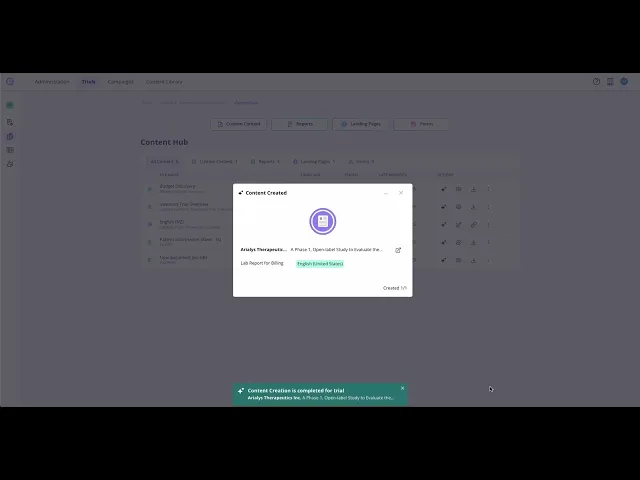
  • The lab report generation process represents a significant shift in how sites manage billing and protect revenue.

Link to Loom

https://loom.com/share/e6cdab5b500d4c928d2ff785f06ddea8